
66 Lottery App: Download, Install, and Safety Guide
The 66 lottery app is one of the most searched downloads in Indian colour prediction gaming, and almost every search ends at an APK file rather than the Play Store. This guide explains why that is, how a 66 lottery apk install actually works on Android, how the app compares with the plain mobile browser version, and how to check any file before you tap install. One thing first: we are an independent guide site, not the official platform, and we do not host any APK or download link. Everything below is written to keep your phone and your money safe.
Why the 66 Lottery App Comes as an APK
If you search the Play Store for the 66 lottery app, you will not find an official listing — and that is not an accident. Google Play policy places strict limits on real-money gambling apps in India. Only certain licensed categories are allowed, in certain states, after a review process that colour prediction platforms generally do not pass. The result is that platforms in this space distribute their Android app the only other way possible: as an APK file downloaded from their own website.
APK stands for Android Package Kit — it is simply the file format Android uses to install any app, including every app on the Play Store. An APK is not automatically dangerous. The danger comes from where the file travels before it reaches you. A Play Store app is scanned, signed, and updated through one controlled pipeline. A 66 lottery apk shared through Telegram forwards, YouTube descriptions, or “download mirror” sites can be modified by anyone along the way, and a modified gaming APK is one of the most common malware carriers in India right now.
So the honest framing is this: the APK route exists because of store policy, not because something is wrong with the file format. But it shifts all the safety checks from Google to you. The rest of this guide — like our wider Wingo game overview — is about doing those checks properly, or skipping the download entirely.
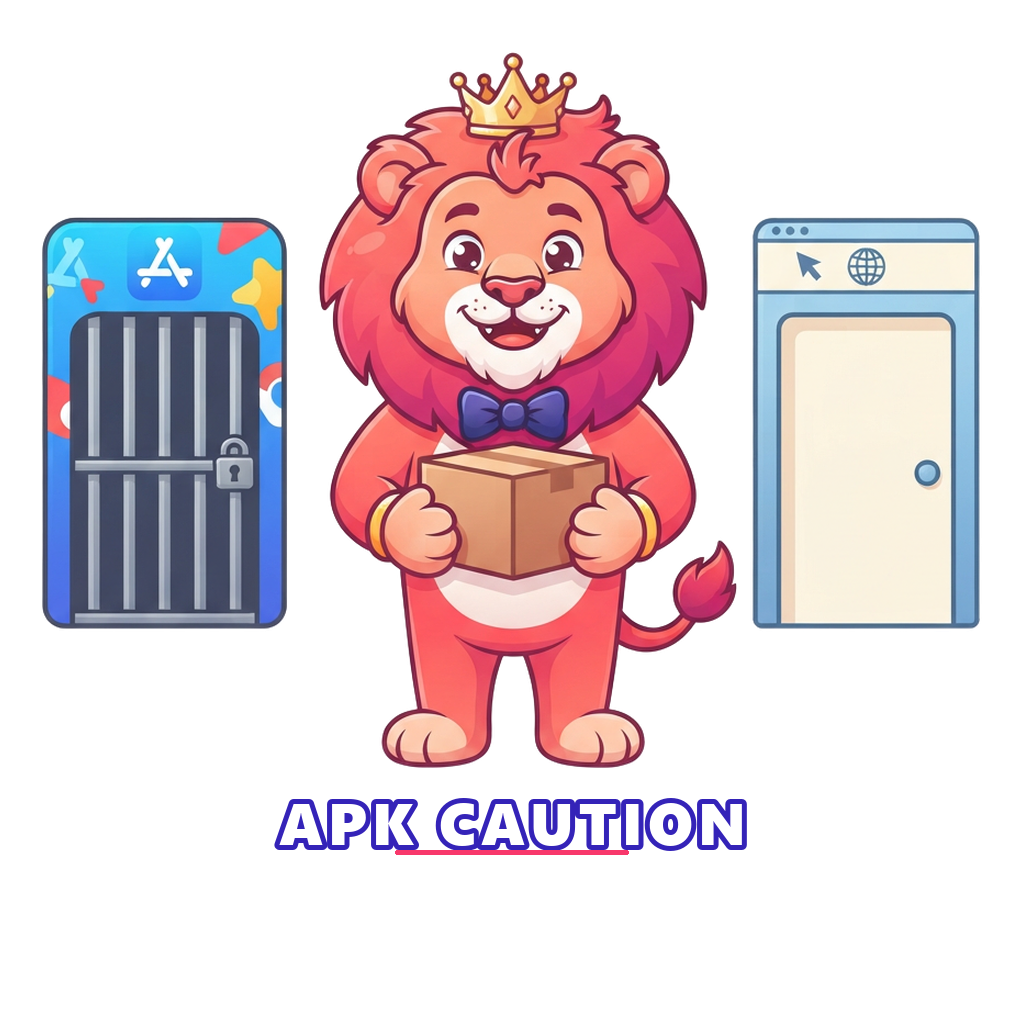
66 Lottery App vs Mobile Browser: Which Should You Use?
Here is the question most guides skip: do you need the 66 lottery app at all? These platforms run the same Wingo rounds, the same wallet, and the same account in a normal mobile browser. The app mainly adds convenience — an icon, faster loading, push notifications — while the browser version adds safety. The table below compares them honestly.
| Factor | App (APK install) | Mobile browser |
|---|---|---|
| Install required | Yes — sideloading with “unknown sources” allowed | No install at all |
| Storage used | Roughly 30–100 MB plus cache growth | Almost none beyond browser cache |
| Updates | Manual — you must download each new APK | Automatic — always the current version |
| Permission risk | App can request phone permissions | Sandboxed — no app permissions |
| Fake-version risk | High if the APK comes from a reshared link | Lower — but check the URL every time |
| Notifications | Push notifications (often promotional) | None unless you allow them |
| Best suited to | Frequent players on a trusted, official file | Everyone else, especially first-timers |
Our view is simple: for most players the browser is the safer default, and it is the route we describe in the 66 lottery login guide. The app makes sense only when you are certain the file is official — and the checklist further down shows how to get certain.
How Sideloading Works on Android
Installing any app from outside the Play Store is called sideloading, and Android makes you approve it deliberately. When you open a downloaded 66 lottery apk, Android shows a warning that your browser (or file manager) is “not allowed to install unknown apps” and sends you to a settings screen. That screen — usually Settings → Apps → Special access → Install unknown apps — lets you grant a single app, such as Chrome, the right to install APK files.
Understand what that permission really means: you are telling Android to skip its normal gatekeeper for anything that app hands it. That is why two habits matter so much. First, grant the permission to one app only, and switch it off again after the install is done — it takes ten seconds and closes the door behind you. Second, never let a “helper” on a call or in a chat group walk you through these settings. Legitimate platforms publish written install steps; scammers ask for screen-sharing.
Newer Android versions also run Play Protect scans on sideloaded files. If Play Protect flags the file, stop. It is not being dramatic — it has seen that signature in malware before. No game is worth overriding a security warning, and the same rounds are available in your browser anyway.
APK Safety Checklist Before Installing
If you still want the 66 lottery app on your phone, run this checklist before every install — including updates. It takes five minutes and blocks the vast majority of real-world attacks.
- Get the file from the official website only. Type the platform’s address yourself or use a bookmark you created. Never install a 66 lottery apk from a Telegram forward, a WhatsApp message, a YouTube description, or a third-party “APK mirror” site — reshared files are exactly where tampering happens.
- Check for HTTPS and the right domain. The download page should show a padlock and the exact official domain, not a lookalike with an extra word, hyphen, or odd ending. Phishing domains are the single most common trap.
- Sanity-check the file size. Gaming APKs of this type usually land between roughly 20 and 100 MB. A 2 MB file is a dropper or a fake shell; a 500 MB file is padding something. If the size looks strange for what the app claims to be, delete it.
- Review permissions during install. Android lists what the app can request. A lottery-style game needs network access and little else. The next section covers the permissions that should end the install immediately.
- Scan before opening. Let Google Play Protect scan the file, or upload it to a reputable multi-engine scanner from your computer first. One clean scan is not absolute proof, but a flagged scan is absolute proof enough.
If any step fails, do not negotiate with yourself. Use the browser version, or practise on the free Wingo demo instead, which needs no file at all.
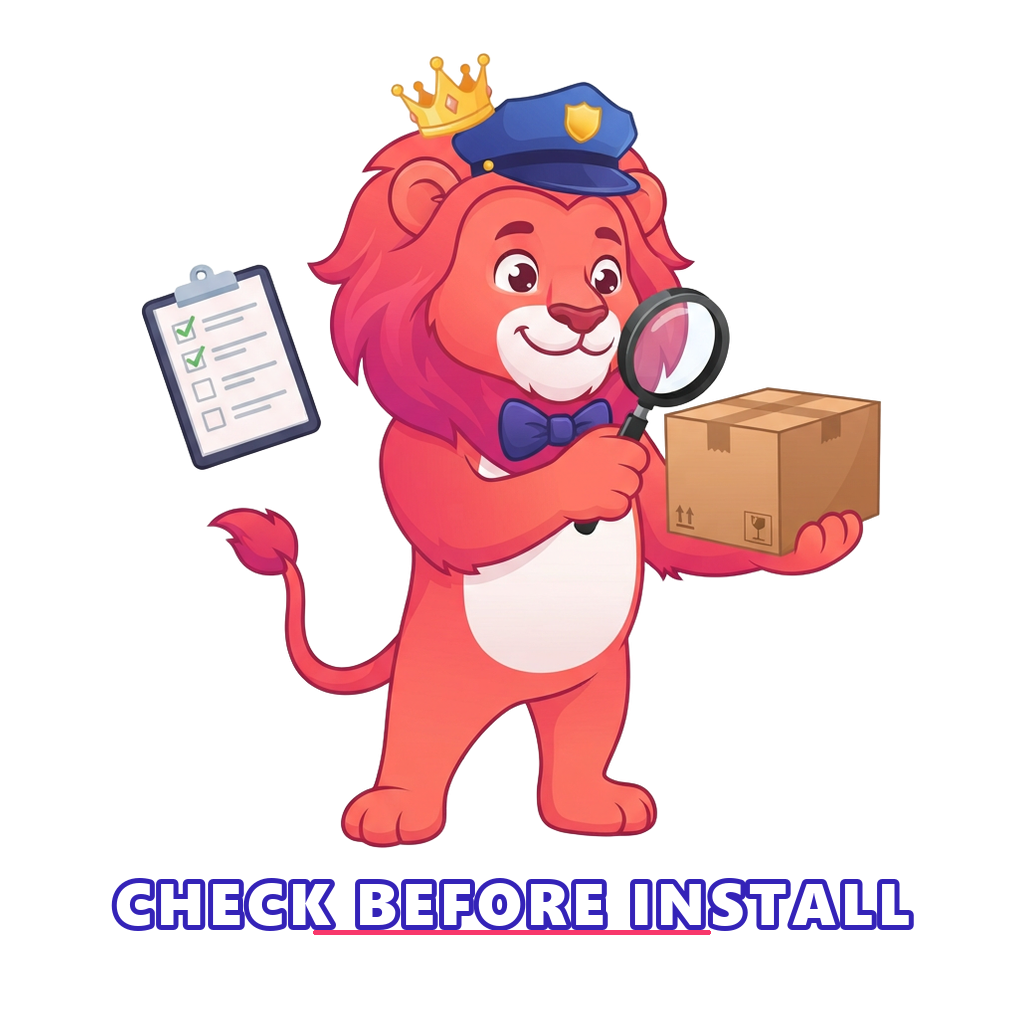
Permissions a Gaming App Should Never Need
Permissions are where a fake 66 lottery app does its real damage. A colour prediction game shows rounds, takes taps, and talks to a server. It has no business inside your messages, contacts, or accessibility settings. Treat every permission in this table as a stop sign, not a formality to tap through.
| Permission | What it allows | Why it is a red flag here |
|---|---|---|
| SMS (read/send) | Reading and sending your text messages | Can silently read bank and UPI OTPs — the classic account-theft route |
| Contacts | Reading your full contact list | Used to spam or scam your friends and family in your name |
| Accessibility service | Watching and controlling the whole screen | Can see passwords as you type and press buttons for you |
| Device admin | Deep control of the device | Makes the app very hard to uninstall |
| Call logs / phone | Reading calls, making calls | No gaming purpose; pure data harvesting |
| Install packages | Installing further apps | A dropper pattern — one bad app invites more |
Normal requests — network, notifications, maybe storage for the update file — are fine. But if an install screen asks for SMS or accessibility access, cancel, delete the file, and consider reporting it. Your OTPs guard your money far more than any password does, which is also why our deposit and withdrawal guide repeats one rule endlessly: no app and no “support agent” ever needs your OTP.
What About iPhone and iOS?
Apple’s App Store applies similar real-money gaming restrictions, so there is normally no official 66 lottery app for iPhone either. iPhone users are usually pointed to the platform’s website in Safari, sometimes with an “Add to Home Screen” step that creates an app-like icon. That shortcut is genuinely fine — it is just a bookmark with a nicer face, and it inherits Safari’s sandboxing.
What deserves caution on iOS are the workarounds: installs that ask you to trust an enterprise certificate, add a configuration profile, or use a third-party app store. These mechanisms exist for companies managing their own devices, and they are routinely abused to slip past Apple’s review. If a site tells an iPhone user to “trust” anything in Settings to get a lottery app running, close the page. The browser version does the same job with none of that exposure.
Fake and Cloned App Warning Signs
Because the official 66 lottery app lives outside app stores, cloning it is easy and common. A cloned app copies the logo, colours, and lobby of the real platform, then does one of three things: harvests your login details, takes deposits into a wallet that will never pay out, or quietly installs spyware. Here is what gives clones away:
- The download source is social, not official. Telegram channels, “prediction group” pins, and comment-section links are the natural habitat of cloned APKs.
- The domain is almost right. An extra digit, a hyphen, or a strange ending (.top, .vip, .icu) on a familiar-looking name is the oldest trick in phishing.
- Unrealistic promises around the download. “Hack version”, “mod apk with prediction unlocked”, “guaranteed colour” — no such version exists, because results are generated server-side. Anything promising it is bait, as our Wingo prediction guide explains in detail.
- Sign-up bonuses that sound like salaries. Real platforms offer small promotions, covered in our 66 lottery gift code guide. Clones offer ₹5,000 “free” because the money is imaginary.
- It asks you to log in before showing anything. Credential harvesters are impatient. If the very first screen demands your existing password and OTP, assume theft.
One more habit protects you from all of the above: create your account once through a source you verified yourself — the process is in our 66 lottery register guide — and never re-enter those credentials anywhere you arrived at via a forwarded link.
Updates, Storage, and Data Tips for Budget Phones
A sideloaded 66 lottery app does not update itself through the Play Store, which creates two practical problems. First, old versions eventually stop working or lose security fixes, so when the app prompts an update, fetch the new APK from the official site — and run the same checklist as the first time, because “update” links in chat groups are a favourite clone-delivery trick. Second, in-app update prompts should open the official page, not a random file host; if they do not, uninstall and switch to the browser.
On budget Android phones, a few habits keep things smooth. Clear the app’s cache monthly (Settings → Apps → Storage → Clear cache) — game lobbies cache banners aggressively and can quietly eat a gigabyte. Keep the old APK file deleted after installing; it is dead weight. On limited data plans, note that live rounds themselves are light (a few MB per session), but lobby animations and promo videos are not — playing with the app in data saver mode, or using the browser version with data saver on, keeps usage predictable. And if your phone is low on storage or memory, the browser route wins again: nothing to install, nothing to update, nothing to clean.
The No-Download Alternative: Practise First
Here is the option almost no download guide mentions: you can learn everything these games involve without installing anything or depositing anything. The 66 Club Lottery demo runs genuine 1-minute Wingo rounds — colours, numbers, Big and Small, the standard payout table — entirely in your browser with ₹1,000 of play money. It exists precisely so you can understand the game, and your own reactions to it, before any real app, real account, or real rupee enters the picture. A free demo account takes seconds and asks for no OTP and no payment details. If you later still want the real 66 lottery app, at least you will be choosing it with open eyes.
Skip the Download — Try the Free Demo Instead
Play real 1-minute Wingo rounds with ₹1,000 in play money, directly in your browser. No APK, no permissions, no deposit — just the game itself, risk-free.
Useful External Resources
Independent, non-commercial reading before you install anything:
- APK file format (Wikipedia) — what an Android package actually contains.
- Sideloading (Wikipedia) — the background on installing apps outside official stores.
- CERT-In — India’s national cybersecurity agency; use it to report malicious apps and phishing sites.
- Gambling Therapy — free, confidential support for anyone whose play stops feeling like a game.
A Safety and Responsibility Reminder
Whatever you decide about the 66 lottery app, the ground rules do not change: these are real-money gambling games for adults (18+) only, every round carries genuine financial risk, no version of any app can guarantee a win, and online real-money gaming is restricted or banned in several Indian states — know your local rules before playing. Install decisions protect your phone; limits protect your money. Set both before you start, and if play begins to feel compulsive, the responsible gaming page lists warning signs and free help options.
Frequently Asked Questions
›Is the 66 lottery app available on the Google Play Store?
No. Google Play policy heavily restricts real-money gambling apps in India, so platforms of this kind distribute an APK file from their own website instead. That is why every install guide for the 66 lottery app involves downloading a file and allowing installs from your browser, a process called sideloading.
›Is it safe to install a 66 lottery apk file?
It can be reasonably safe only if the file comes directly from the official website of the platform, over HTTPS, and you check the file before installing. APKs shared through Telegram groups, YouTube descriptions, or file-hosting sites are frequently modified and may contain malware. When in doubt, use the mobile browser version instead of installing anything.
›Do I need the app to play, or can I use my phone browser?
You do not need the app. These platforms run the same games in a normal mobile browser, and the browser version avoids sideloading risk, saves storage, and never asks for phone permissions. For most players the browser is the more sensible choice.
›Is there a 66 lottery app for iPhone?
Usually not as a normal App Store download, for the same policy reasons as Android. iPhone users are typically pointed to the website in Safari, sometimes with an option to add it to the home screen as a shortcut. Be cautious with any iOS install that uses configuration profiles or enterprise certificates, as those methods are commonly abused.
›Can I try the games without downloading anything at all?
Yes. Our free demo runs 1-minute Wingo rounds with play money directly in your browser. There is no APK, no deposit, and no real-money risk, which makes it the safest way to learn how these games work before deciding anything else.
Conclusion
The 66 lottery app story is really a story about trust. The APK exists because app stores will not carry it, which means every safety check Google would normally do falls to you: official source, correct domain, sensible file size, minimal permissions, clean scan. Do those checks every time or skip the install entirely — the mobile browser plays the same rounds with less risk, and the free demo plays them with no risk at all. Learn the game first, decide about downloads second, and keep real money a distant third.